Scan to connect
No accounts, no passwords. Show a QR code on the computer, scan it with your phone, and you are paired.
Open source · MIT · Free forever
A free, open-source, account-free remote agent for the computers at home and at work. Scan it with KoKo on your phone to drive the whole desktop and talk to the AI coding agents running on it — no public IP, no port forwarding.
macOS · Windows · Linux

$ curl -fsSL https://raw.githubusercontent.com/foqerhk/runeverything/main/scripts/install.sh | sh
$ runeverything pair
Paired with KoKo · end-to-end encrypted
Features
From a single QR scan to 16K virtual displays, RunEverything makes using your own computer from anywhere simple — and dependable.
No accounts, no passwords. Show a QR code on the computer, scan it with your phone, and you are paired.
A volunteer relay mesh traverses NAT and picks the best node by latency and load — or goes peer-to-peer on your LAN.
Screen, input and terminal all run over Noise. Relays only ever see ciphertext.
5K, 8K and 16K virtual displays sized for phones and tablets, plus multi-monitor switching.
Two-way clipboard and file transfer — and your phone can even be the computer’s webcam.
A built-in PTY lets KoKo talk straight to Cursor, Claude Code, Codex and other agents on your machine.
How it works
Run one command, or grab the Windows installer. It lives in the tray and starts at login.
Choose “Show pairing QR” in the tray and scan it with KoKo. Authorization stays on your devices.
Out, on the road, on cellular — KoKo finds the fastest path back to your computer automatically.
Install
Windows gets a graphical installer and tray app; macOS and Linux install with a single command. The Linux script detects apt, dnf, zypper, pacman or apk for you.
Supports macOS, Windows 10 / 11 and all major Linux distributions.
$ curl -fsSL https://raw.githubusercontent.com/foqerhk/runeverything/main/scripts/install.sh | sh
$ runeverything pair
$ irm https://raw.githubusercontent.com/foqerhk/runeverything/main/scripts/install.ps1 | iex
Or download RunEverythingSetup_amd64.exe (x64), arm64 or 386 and double-click — no admin rights needed. Releases →
$ curl -fsSL https://raw.githubusercontent.com/foqerhk/runeverything/main/scripts/install-linux.sh | bash
$ runeverything pair
Relay network
RunEverything connections ride on a relay mesh built by volunteers. Turn on sharing and your node claims its own domain and certificate, helping more families get through tough networks — while end-to-end encryption means relays never see a thing.
# Share your node; domain and certificate are automatic
$ export RE_AUTO_DOMAIN=1
$ sudo -E runeverything-relay -auto-domain
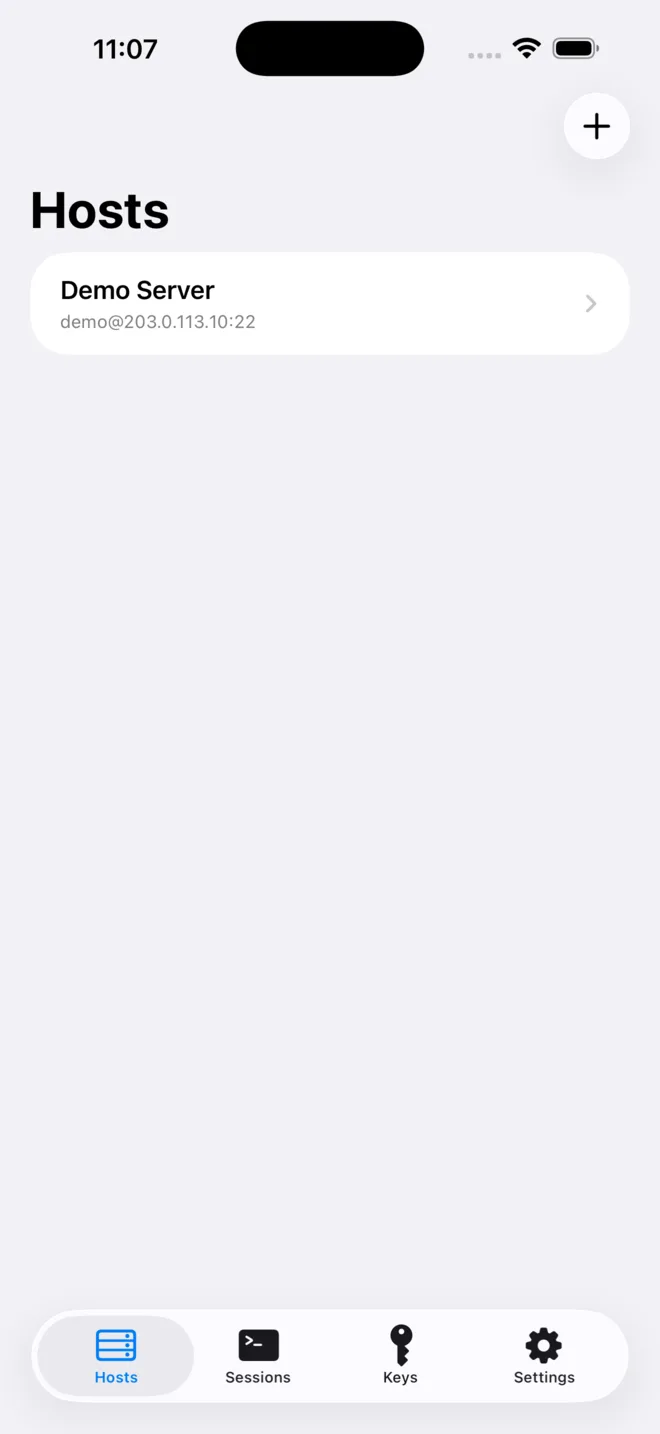
KoKo is the official iPhone and iPad client for RunEverything: hardware-decoded video, natively mirrored IDE chats and a real SSH terminal.

The code is fully public on GitHub. Star it, file an issue, or become a relay volunteer.